
NEXTWAVE / Starlink installation
Starlink installation. Connected to the whole property.
A considered installation brings the dish, cable route and property network together. We plan where Starlink should sit and how its connection will reach the rooms and buildings you use.
Tell us about your propertyIllustrative topology. Each building link may use fibre, Cat6 within specification or a surveyed wireless bridge.
A good place to start
Is this your kind of project?
- 01
Properties needing an alternative to fixed broadband
- 02
Existing Starlink systems that need a permanent installation
- 03
Estates and businesses distributing Starlink across a wider site
01 / The approach
Find a suitable position for the dish.
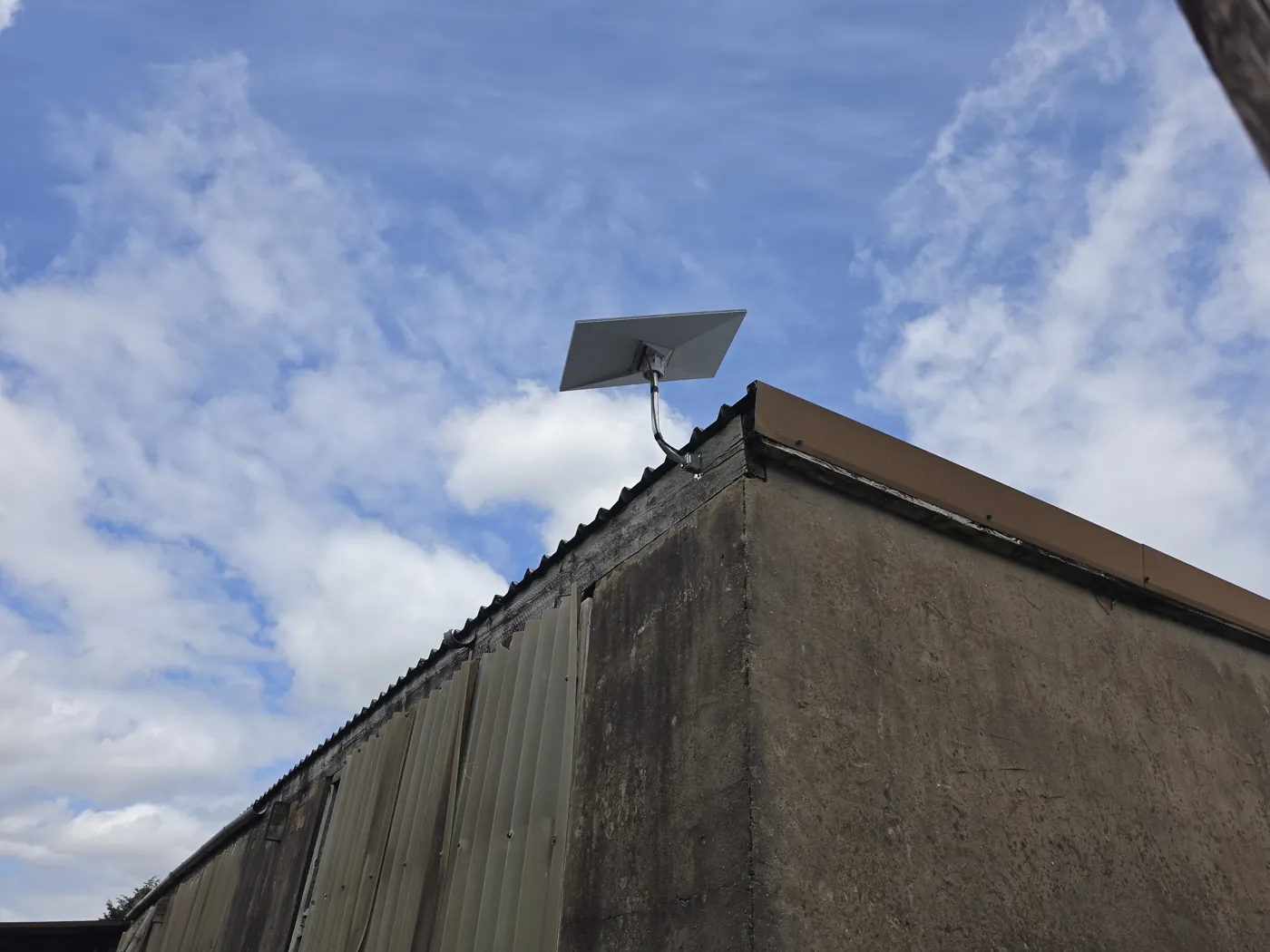
The dish needs a sufficiently clear view of the sky. A position that looks open from the ground can still be affected by trees, rooflines or nearby buildings. The Starlink app’s obstruction check helps assess a proposed location before a permanent mount is selected.
We also consider safe access, fixing points, the cable entry and a powered indoor equipment location. Send photographs from accessible ground-level positions; you do not need to climb a roof or ladder to enquire.
02 / In practice
What the installation and handover cover.
The written scope identifies the kit being installed, the mount and position, the cable route and entry, and the equipment that will manage your network. Tell us which Starlink kit you own so the correct connections and accessories can be checked.
Commissioning is agreed around the work: bringing the service online, confirming the router connection and checking the wired or Wi-Fi areas included in the project. The handover pack records the installed setup, useful operating information and the checks agreed in your proposal. It does not promise one speed across every room or every time of day.
- 01
Mounting, access equipment and cable work specified before installation.
- 02
Router configuration and any wider network work identified in the quote.
- 03
Starlink service and account remain subject to Starlink’s own terms.
03 / The approach
Carry Starlink into the wider property.
A dish connection can feed the property router, then wired access points for indoor Wi-Fi and a separate link to an annexe. The connection method depends on the Starlink kit and the chosen network hardware; a third-party router may require bypass mode, which disables the Starlink router’s own Wi-Fi.
The layout below shows one possible arrangement. A building link carries data to the annexe; its own switch or access point provides the local connections there.
For construction sites, the service may arrive before a fixed line. On farms and remote sites or multi-building properties, onward distribution should be assessed alongside the dish. A backup connection can be considered where essential work needs another path.
Connections from this point
- Wired networkMain houseAccess points serving the agreed rooms
- Separate building linkAnnexeLocal switch and Wi-Fi access point
Illustrative arrangement only. Kit, routes, power and coverage depend on the property; this is not a completed NextWave project.
04 / The approach
What changes the installation cost?
A straightforward accessible mount and short cable route differs from a high-level position requiring access equipment, a long or concealed route, or a network serving several buildings. Existing kit condition and the accessories required also affect the quote.
Managed by NextWave
We assess the property, specify the solution and manage the agreed installation. You deal with NextWave from the first email to the handover.
How your project worksBefore you enquire
A few useful
answers.
Tell us the kit you have and whether it is already in use. We will check the installation requirements and make clear which mounting, cabling and network equipment are included in our quote.
No. Getting the internet service to the property and distributing it around the site are separate parts of the design. We can plan both together.
No. Use photographs you can take safely from accessible areas. If more information or a closer inspection is needed, we will explain how it can be obtained.
A short description is enough to start
Let’s connect
the whole picture.
Tell us where the property is and what needs to work better. We’ll take it from there by email.
No photographs or technical details needed yet.